If you’ve been on the fence about getting your business finances into a dedicated accounting platform, here’s your sign — and your savings.
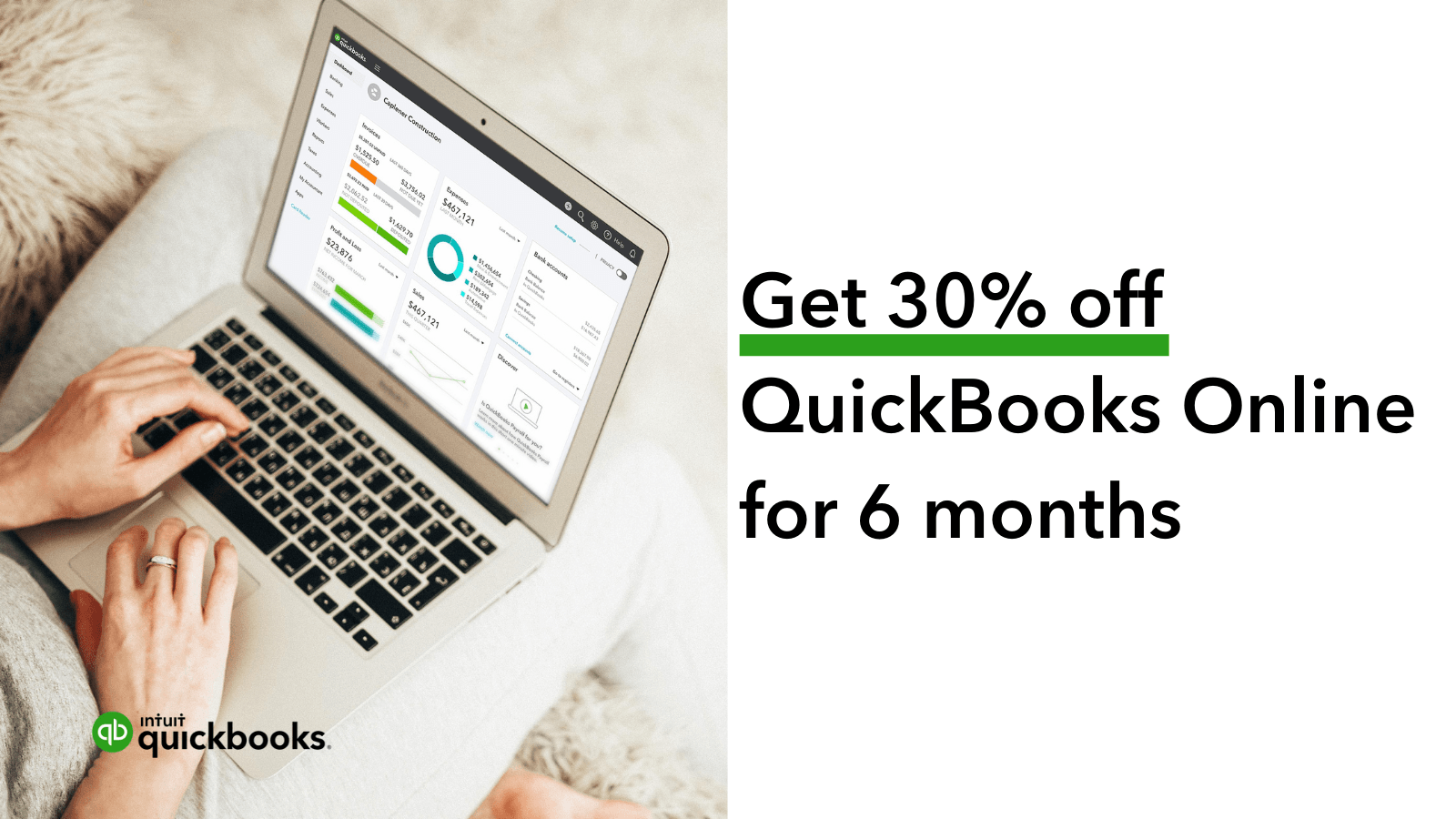
QuickBooks Online is running a Summer Savings promotion through August 27th: 90% off for 3 months. That’s a rare, significant discount that makes this the lowest entry point of the year. And here’s the kicker: QuickBooks prices are increasing after the sale ends. Signing up now locks you in at the best possible rate.
The Hidden Cost of “Doing It Later”
Every small business owner knows the feeling of putting off financial tasks. It starts with a shoebox of paper receipts or a single spreadsheet that slowly grows into a chaotic, multi-tabbed monster. You tell yourself you’ll organize everything next weekend, or right before tax season, or once revenue hits a certain milestone.
However, manual accounting takes a massive toll on your time and energy:
- Lost Hours: Spending five hours every Sunday night manually cross-referencing bank statements against invoices instead of growing your business or relaxing with family.
- Tax Season Surprises: Scrambling in April to figure out what spent money was deductible, leading to missed tax write-offs or costly last-minute accountant fees.
- Cash Flow Blindspots: Sending invoices late—or forgetting to follow up on overdue payments entirely—leaving you short on cash when critical expenses come due.
- Inaccurate Financial Decisions: Making major purchases based on your current bank account balance rather than a realistic view of unpaid bills and incoming revenue.
Delaying a real financial system isn’t saving you money; it is costing you focus, accuracy, and peace of mind.
What Makes QuickBooks Worth It?
QuickBooks Online is built for small businesses, freelancers, and self-employed professionals who want less chaos and more clarity when it comes to their money. From automated expense tracking and invoicing to real-time profit & loss reporting, it removes the guesswork from financial management.
Here is a breakdown of how the platform transforms daily operations:
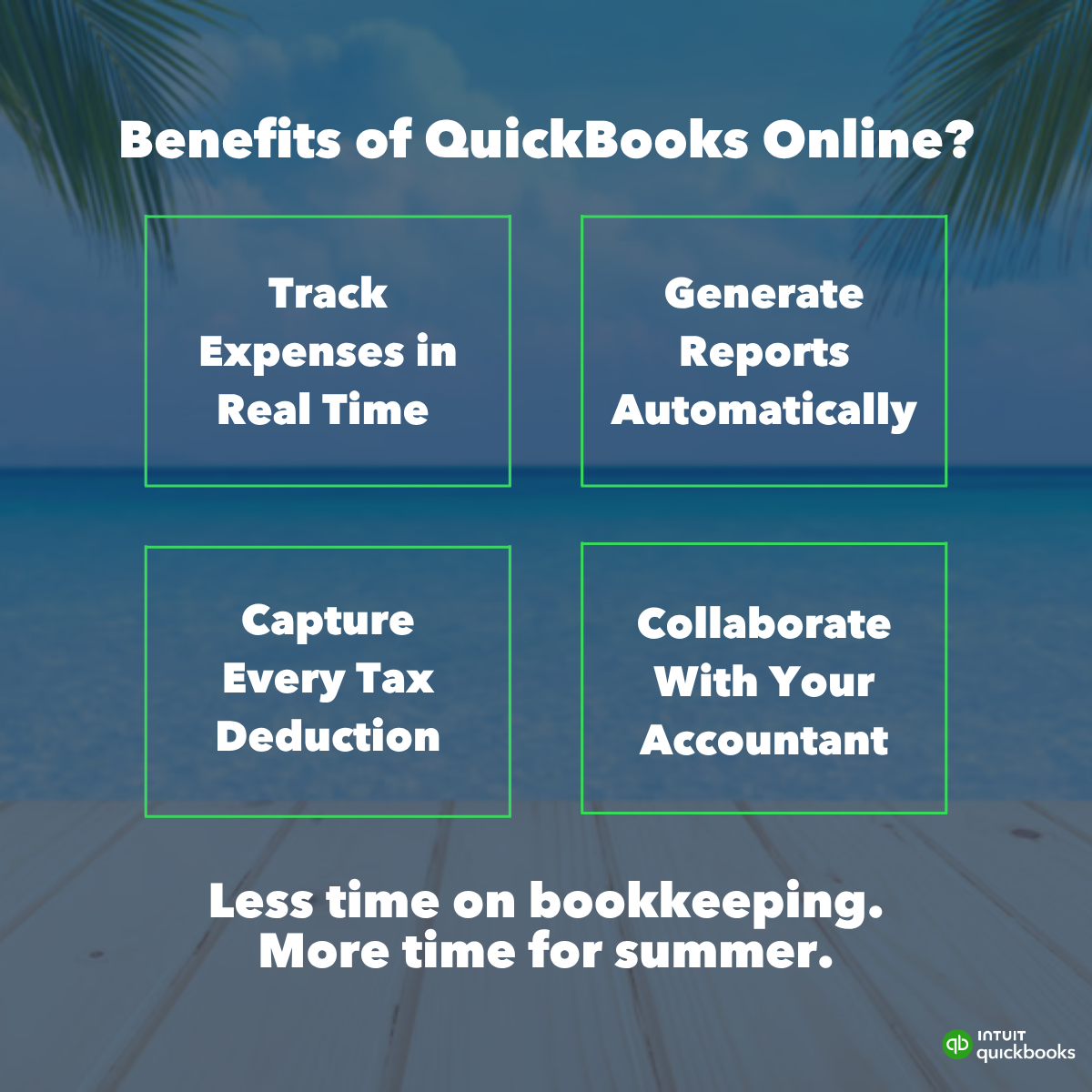
- Automated Expense Tracking: Link your business credit cards and bank accounts. QuickBooks automatically imports, categorizes, and matches transactions so you aren’t manually typing in numbers.
- Professional Invoicing & Faster Payments: Create customizable, branded invoices in seconds. Add “Pay Now” buttons directly to digital invoices so clients can pay instantly via credit card or ACH bank transfer.
- Real-Time Financial Reporting: Instantly generate Profit & Loss statements, Balance Sheets, and Cash Flow reports to see exactly where your business stands at any given moment.
- Seamless Mileage Tracking: The mobile app automatically logs your business miles via GPS, turning routine driving into defensible tax deductions without manual logbooks.
- Tax Preparation Made Simple: Give your CPA or accountant direct access to your account, or export organized summaries with a single click, taking the pain out of tax filing.
Choosing the Right Tier for Your Business
QuickBooks Online offers several plan levels designed to grow alongside your operations. Taking advantage of the 90% discount applies across their core product line:
| Feature | Simple Start | Essentials | Plus | Advanced |
| Best For | Solopreneurs & freelancers | Service-based businesses | Product businesses & teams | Scale-ups needing custom insights |
| User Access | 1 User | Up to 3 Users | Up to 5 Users | Up to 25 Users |
| Income & Expenses | Included | Included | Included | Included |
| Custom Invoicing | Included | Included | Included | Included |
| Bill Pay & Time Tracking | — | Included | Included | Included |
| Inventory & Project Tracking | — | — | Included | Included |
| Custom Roles & Workflows | — | — | — | Included |
How to Set Up for Success in 30 Minutes
Transitioning to a new platform sounds intimidating, but setting up your account takes very little time. Once you take advantage of the current discount, follow these straightforward steps to get your account running smoothly:
1. Connect Your Financial Accounts
Link your main business checking, savings, and credit card accounts. QuickBooks will securely pull in your recent history so you don’t have to upload CSV files manually.
2. Customize Your Invoice Templates
Upload your company logo, set your brand colors, and add clear payment terms (e.g., Net 15 or Net 30). Adding online payment options right out of the gate ensures you get paid significantly faster.
3. Set Up Smart Automation Rules
If you pay recurring subscriptions like software, rent, or utilities, set up simple rules. QuickBooks can automatically categorize recurring transactions under specific budget lines (e.g., “Software & Apps” or “Office Supplies”) as soon as they hit your account.
4. Invite Your Accountant
If you work with a bookkeeper or CPA, send them an invitation link directly from your dashboard. They can monitor your books, catch errors early, and handle your filings without requiring messy file exports.
The Summer Sale Window Is Closing
The promotion runs through August 27th only. After that, prices go up and this deal disappears. Whether you’re a solopreneur trying to simplify tax time or a growing business that needs better financial visibility, now is the time to act.
👉 Get 90% off QuickBooks Online for 3 months here: {{link}}
Don’t wait until the sale is gone to wish you’d taken action.